These two flows determine where your video's "soul" comes from: existing footage or pure imagination. When starting a project, you can choose how the AI selects or creates your visuals. The main difference lies in whether the editor uses existing professional footage or generates brand-new visuals from scratch.
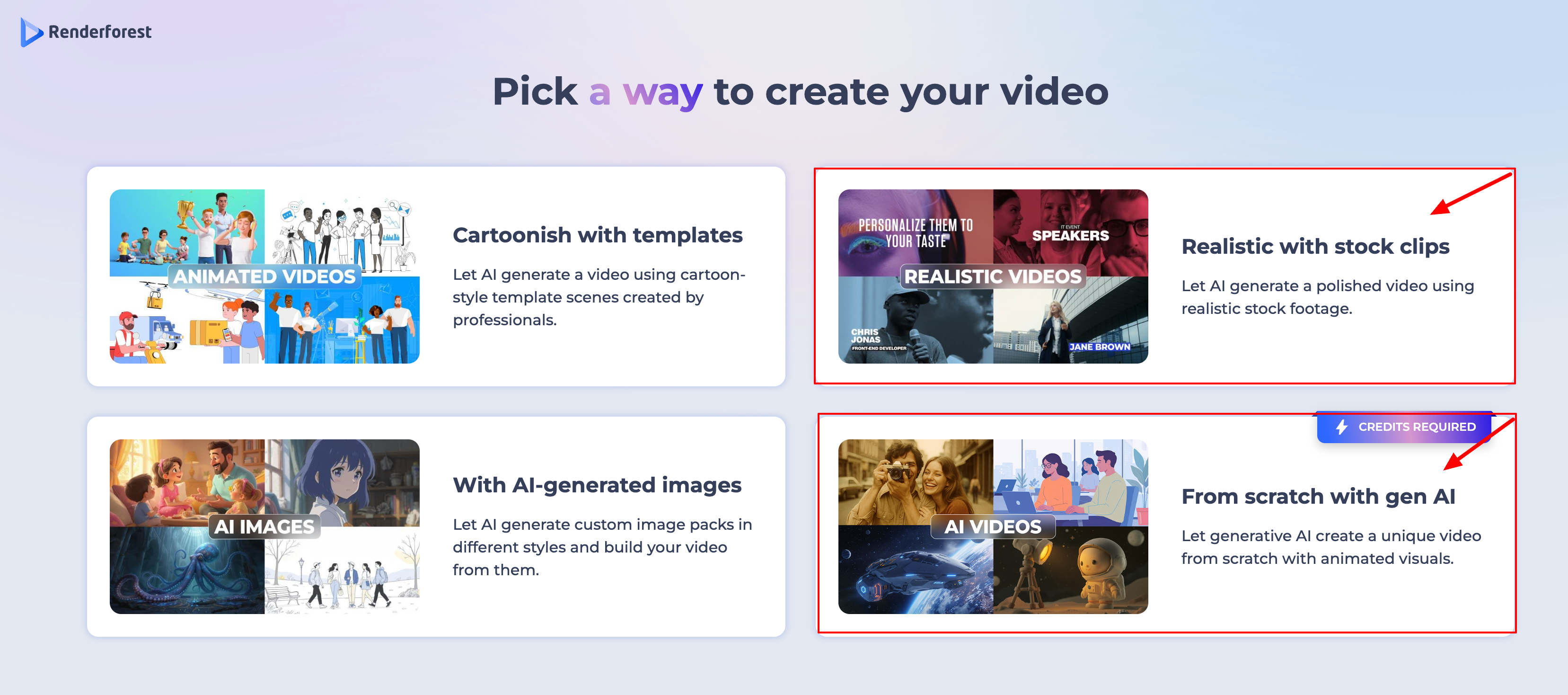
1. Realistic with Stock Clips
This flow is like having a super-fast research assistant.
Visual Source: It searches a massive library of millions of pre-filmed, professional stock videos to find clips that match your script.
Best For: Corporate presentations, real estate tours, lifestyle ads, and YouTube explainers where you want a polished, "real-world" look.
Pricing: Usually included in standard subscription plans (no extra AI credits needed for the visuals themselves).
Editing: Very flexible. If a clip doesn't fit your vision, you can easily swap it by searching the stock library for a different keyword.
2. Generative AI (AI-Generated)
This flow is like having a digital artist create something from nothing. It uses advanced AI models to create original video content based entirely on your text prompts.
Visual Source: It uses advanced AI models (like Sora, Hailuo, or Pixverse) to "dream up" and render original video footage from scratch based on your prompt.
Best For: Creative storytelling, cinematic scenes that are impossible to film (like "a cat astronaut on Mars"), or when you need a very specific, unique visual style.
Pricing: Requires AI Creative Credits. Each generation "costs" credits because it uses heavy computing power to create new pixels.
Editing: To change a visual, you use the Regenerate tool to create a brand-new version of the scene based on a refined prompt.
Was this article helpful?
That’s Great!
Thank you for your feedback
Sorry! We couldn't be helpful
Thank you for your feedback
Feedback sent
We appreciate your effort and will try to fix the article