If you notice that some of your text wasn't included in the initial generation, it’s usually because the AI is trying to balance the amount of information with the visual flow and the video duration you selected. Don’t worry—you can easily fix this once the project is created!
1. Check the Character Limit
To ensure high-quality visuals and clear narration, the AI may sometimes shorten very long scripts during the first "draft" to match the selected video duration
The Fix: After the video is generated, you have full control! You can enter the editor and manually add any missing text to your scenes. If a scene feels too crowded, you can always split the text into two different scenes to make sure every word gets the attention it deserves.
2. Match Text to Speech Speed
Sometimes the script is a bit too long for the natural rhythm of the AI voice.
The Fix: If the narration feels rushed or cut off, head to the Text-to-Speech tab. You can adjust the Speed slider to help the narrator fit the words into the scene more comfortably.
3. Review for "Flagged" Content
The AI might skip specific words if they are flagged by safety filters or are too complex for the generation model to visualize.
The Fix: Try using simpler synonyms or clearer phrasing. Once you update the text in the editor, you can click Generate on that specific scene to refresh the audio.
Using Smart Edit for Quick Fixes
The easiest way to restore missing parts of your script is to ask the Smart Edit assistant. Simply type:
"Add the full sentence [insert text here] to the second scene."
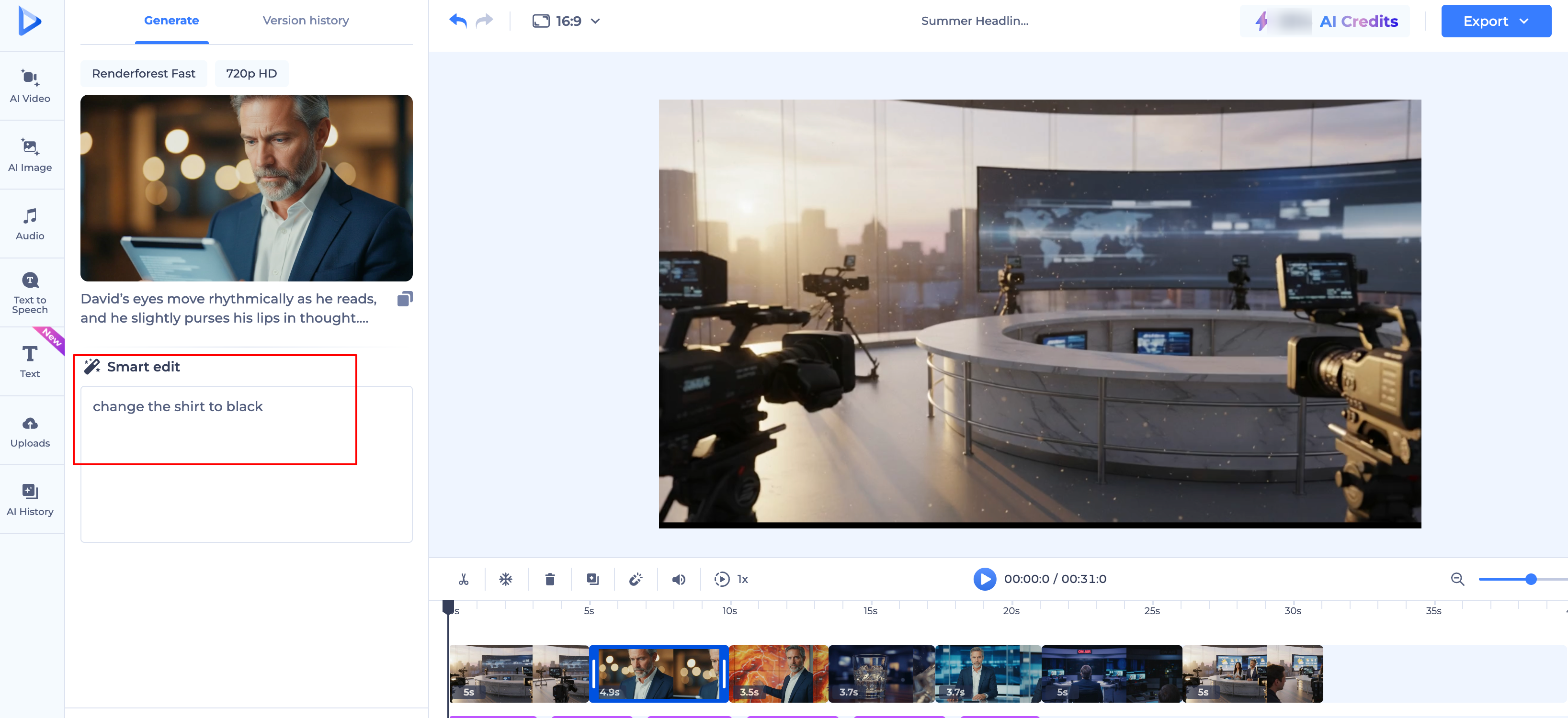
Pro Tip: For the smoothest results, try to keep your script points concise during the initial prompt. You can always expand and customize the scenes with more detail once you’re inside the editor!
Was this article helpful?
That’s Great!
Thank you for your feedback
Sorry! We couldn't be helpful
Thank you for your feedback
Feedback sent
We appreciate your effort and will try to fix the article