Yes! You have full flexibility to refresh your website's look at any time. You can easily update your design section-by-section to ensure your site looks exactly how you want it.
1. Change the Layout of a Specific Section
If you want a different visual arrangement for a specific part of the page:
Click on the section you want to modify (e.g., the Header, Features, or About section).
Click the Replace icon on the section toolbar.
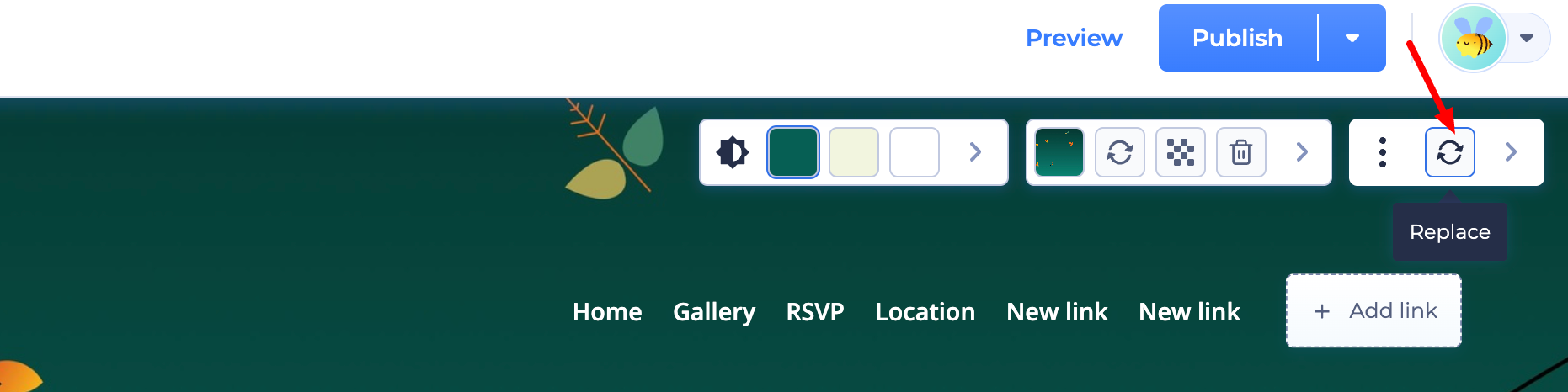
Select a new layout from the options provided.
Your content stays safe: Your existing text and images will automatically move into the new layout structure.
2. Add New Components
To try out a completely different section style:
Click the (+) Add Component button between any two blocks.
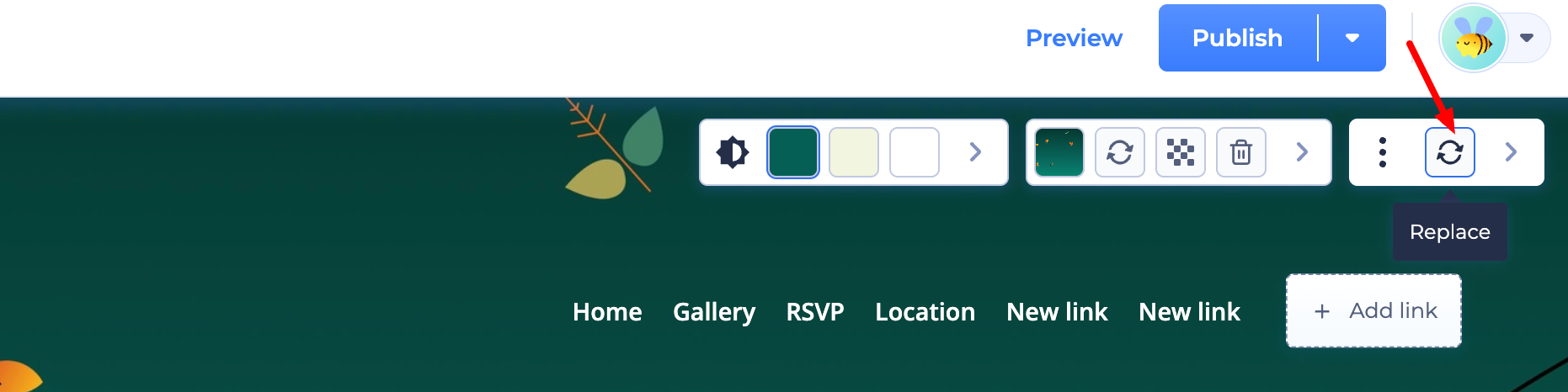
Browse the categories (Testimonials, Pricing, Teams, etc.) and pick a new design.
You can move your content into the new component and delete any sections you no longer need.
3. Update Global Styles
To change the "vibe" of your site without changing the content:
Colors Tab: Use this to swap your entire color palette instantly. This updates every section of your site to keep your branding consistent.
Fonts & Shapes: You can also globally change your typography or button styles (like switching from square to rounded) with just one click.
Important Note:
If you want to experiment with a completely different AI-generated structure, you can always create a new project from your dashboard. This allows you to test multiple designs while keeping your original site as a backup!
Pro Tip: If you want to revert a change while experimenting, use the Undo Changes icon at the top of the editor. It allows you to quickly go back to your previous design if you change your mind.
Was this article helpful?
That’s Great!
Thank you for your feedback
Sorry! We couldn't be helpful
Thank you for your feedback
Feedback sent
We appreciate your effort and will try to fix the article